The explanation before the work
Before asking a coding agent to make a change, you may need to explain what the service does, which dependencies matter, and how it fits into the product. You point it toward an API definition, share an architecture diagram, or describe a decision that is not obvious from the code.
That explanation takes effort. In another session, you may provide it again. A teammate working on the same service may give their agent a similar explanation, drawing on what they know and the documents they happen to find.
Some teams keep shared instructions in files such as AGENTS.md or CLAUDE.md. These provide a useful starting point, but details about other services and product flows may live elsewhere. Making that context available to query gives agents another way to find it.
The repository is one part of the system
An agent can inspect functions, follow imports, and read nearby tests. But the repository it is working in may not contain the contract maintained by another team, the reason for a dependency, or the product flow that uses the service.
Imagine changing how a reporting service requests customer data. The local implementation shows how it makes the request. To understand the change, the agent may also need the provider’s API definition, the relationship between the services, and any documented constraints.
That surrounding context gives the agent places to investigate beyond the code it is editing.
Shared context, available through MCP
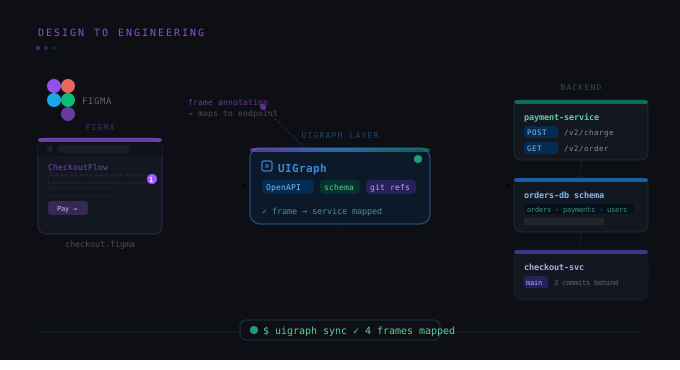
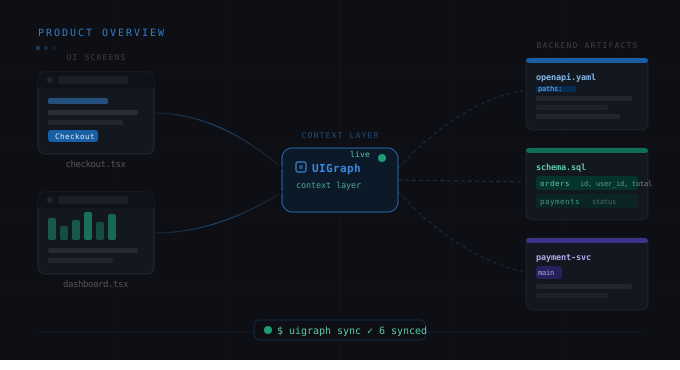
MCP, short for Model Context Protocol, is a standard way for agents to connect to outside tools and data. UIGraph uses it to make your recorded engineering context available to coding agents, including services, ownership, APIs, dependencies, and product maps.
Teammates and their agents can start from the same source. Each engineer still provides the task, the intended behavior, and any specific constraints. The shared background is available for the agent to explore alongside those instructions.
Use the context to guide investigation
For the reporting change, you could give the agent this prompt:
Before changing how the reporting service requests customer data, explore its dependencies in UIGraph and review the API it uses. Compare that contract with the current implementation and flag anything unclear.
For this hypothetical example, an agent’s response might look like:
The reporting service depends on the Customer API, owned by the Accounts team. Its API definition lists
customer_idas a required request field. I will check how the reporting service builds that request before changing it.
The response identifies a dependency, a relevant contract detail, and the next check. The agent still needs to inspect the implementation, but it has a starting point grounded in the recorded system context.
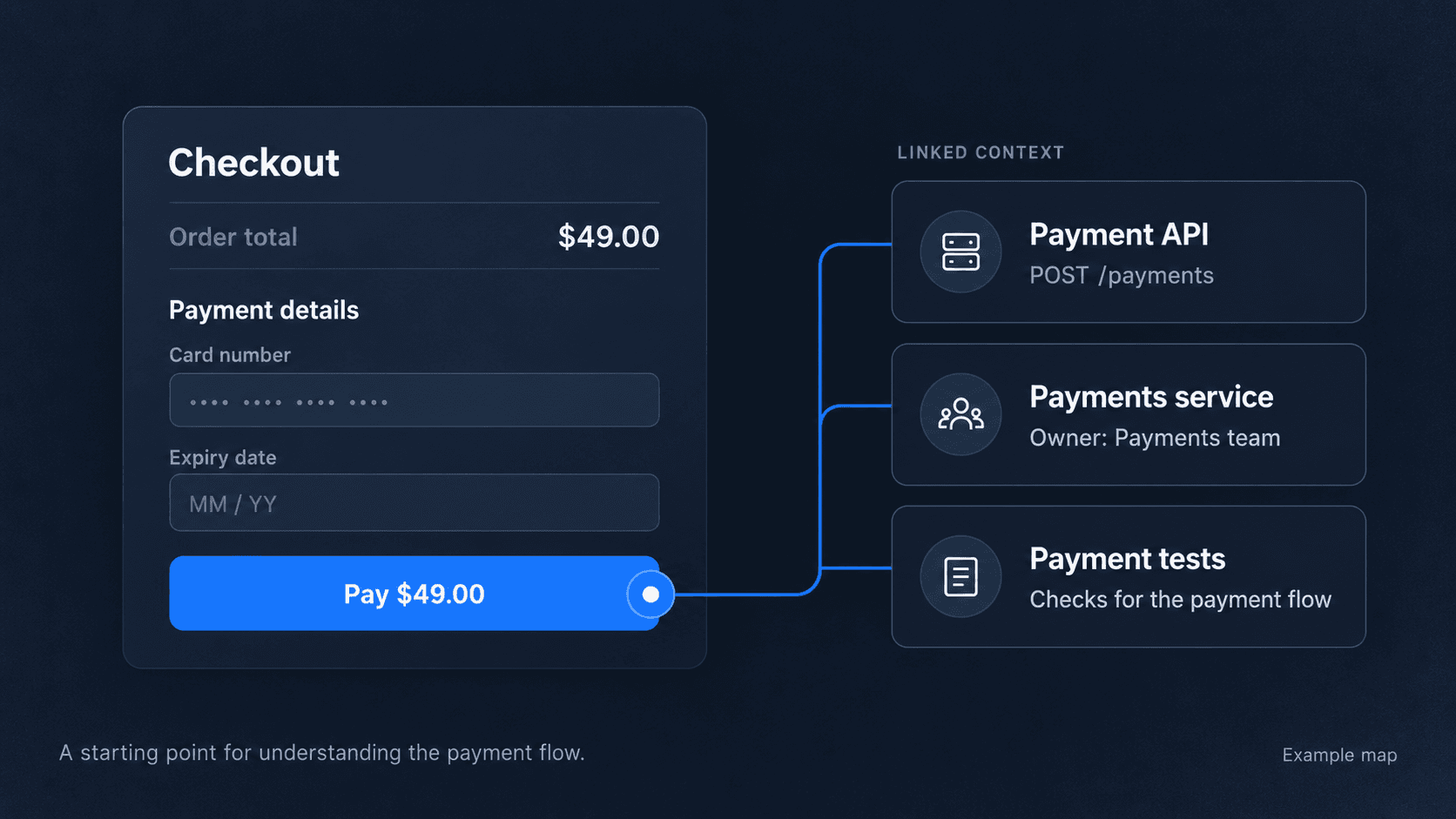
UIGraph MCP also exposes screens and focal points from product maps. Where those connections have been recorded, an agent can explore how a part of the interface relates to the engineering system behind it.
Check what the agent actually found
Access to shared context does not guarantee that an agent retrieves everything relevant or interprets it correctly. The information your team maintains can also have gaps.
Ask the agent to explain what it found, what it confirmed in the implementation, and which questions remain open. Review its changes and test results against the intended behavior.
A useful test is to choose a service your team knows well and ask the agent to explain its dependencies before making a change. Check which connections it finds and where it needs more information. That shows whether the context you have recorded is useful for the work you are asking it to do.